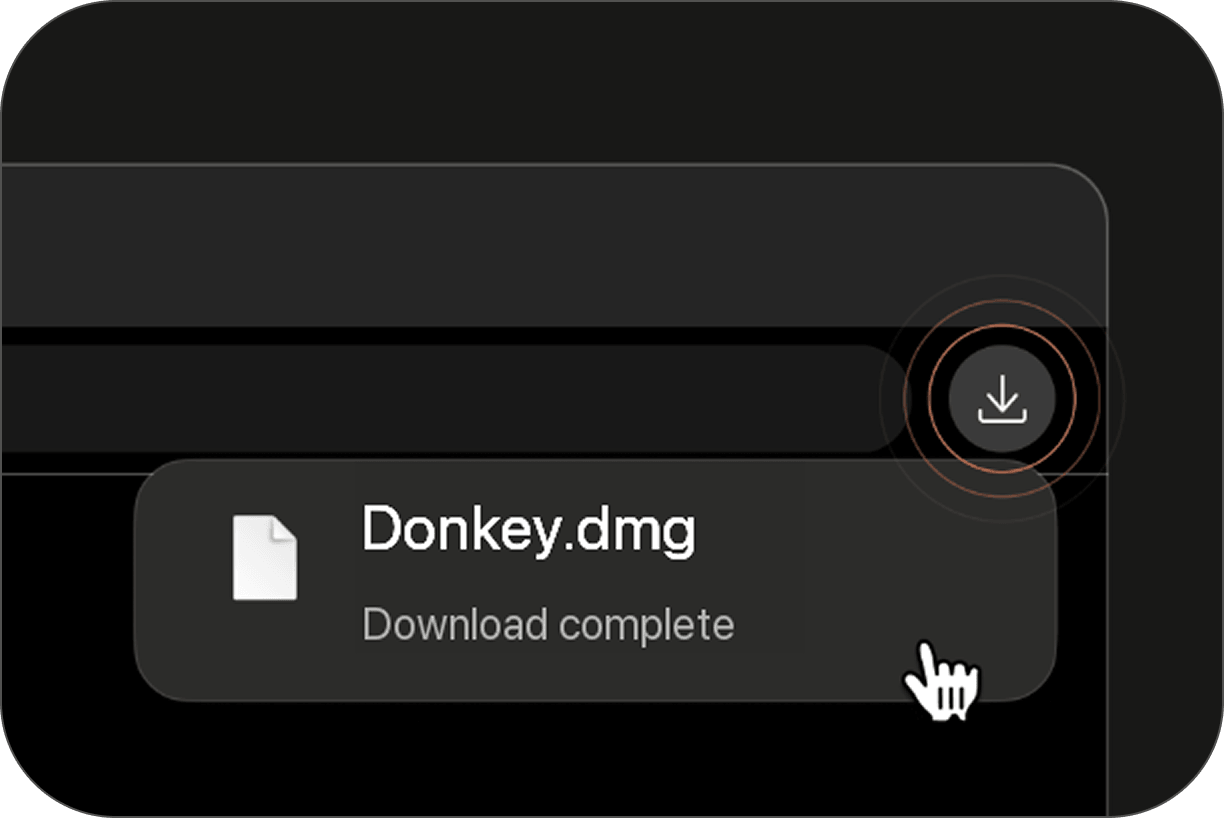
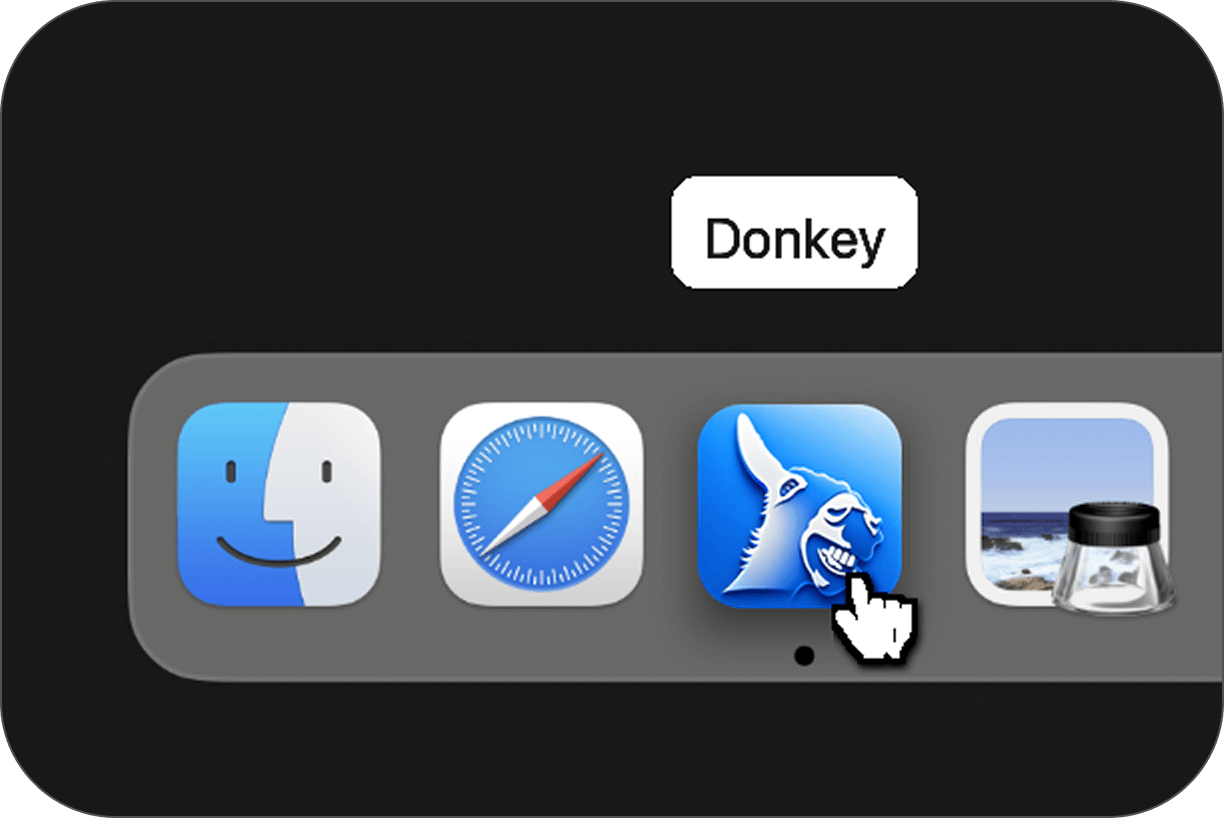
Donkey ships as a standard macOS disk image. Download the DMG, drag the app into Applications, then launch it like any other Mac app.
The desktop app is distributed through GitHub Releases. You can download the latest version.
Open the Donkey.dmg file from your downloads.
Drag and drop the Donkey app into your Applications folder.
Open Donkey from your Applications folder or Launchpad.